Advertisement
Click to download now, finish the installation quickly, and directly unlock the all-round experience
Advertisement
Screenshots
Click to download now, finish the installation quickly, and directly unlock the all-round experience
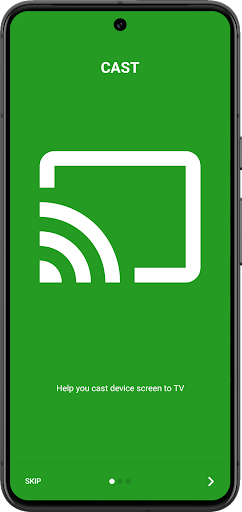
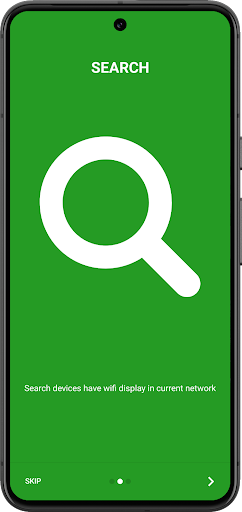
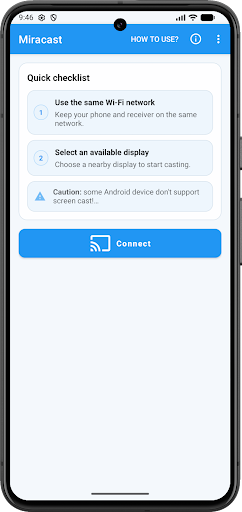
Miracast - Wifi Display is a screen-mirroring tool for Android users who want to show their phone display on a compatible TV or wireless display adapter. It can look for supported displays on the current Wi-Fi network and help you connect to one. It is most useful when you already have a Miracast-capable screen and want a direct way to bring up the connection.
The app cannot add wireless-display support to hardware that lacks it. Your phone needs to support screen casting, and the TV or adapter needs to support Miracast or Wireless Display. The supplied requirements say Android 4.2 or later; even on a compatible Android version, results depend on the device. The phone and display should also be connected to the same network.
That makes this a practical tool for a particular setup, rather than a universal way to send any phone screen to any television. Check both ends before relying on it for a presentation or a planned viewing session.
The Tree Team’s app is listed in Tools and has passed 10 million installs. Its rating is 3.03 from 65,232 ratings, a substantial but mixed response. Those figures give a useful sense of its reach, but they are not a guarantee that it will work with your specific phone and TV. Compatibility is the main question to settle before making it part of your routine.
If your devices support Miracast, the app offers a straightforward place to look for a display and start a connection. If they do not, repeated attempts are unlikely to make the hardware compatible. For supported setups, it may be handy when you want the phone screen on a larger display without treating the app as anything more than a small connection utility.