Advertisement
Click to download now, finish the installation quickly, and directly unlock the all-round experience
Advertisement
Screenshots
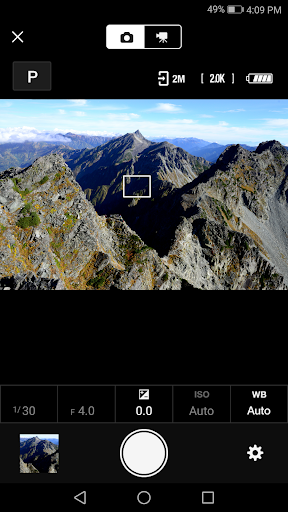
Click to download now, finish the installation quickly, and directly unlock the all-round experience
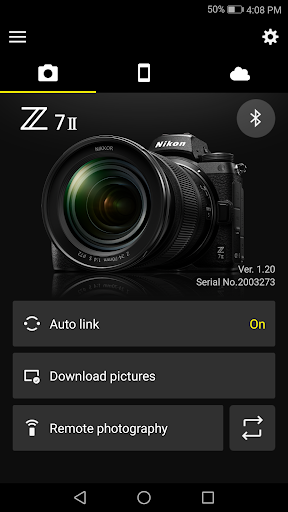
SnapBridge connects an Android device with a compatible Nikon camera so you can view and download pictures, then share them by email or social media. It suits Nikon owners who want to use phone sharing tools without first moving images through a computer. Nikon Corporation makes the app; it has a 4.1-star rating from about 170,000 reviews and more than 10 million installs.
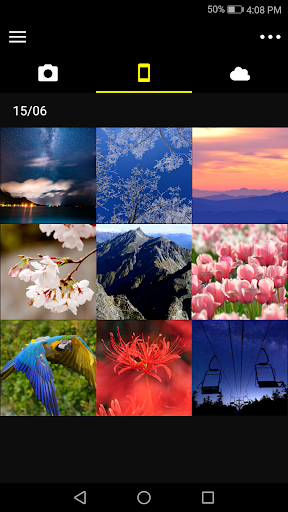
After pairing, the app can automatically download new photos. You can also browse images on the camera and download selected pictures, and use the app to adjust camera settings and take photos. SnapBridge can pair with up to five cameras, which is useful if you switch between bodies. Other tools include setting the camera clock from your phone, sending location data to the camera, and receiving firmware update notices for paired cameras.
SnapBridge supports a range of Nikon models, including Z-series mirrorless cameras, selected D-series DSLRs and COOLPIX cameras. Support varies by model and region, so check that your camera is on Nikon’s compatibility list before relying on the app. A Bluetooth Low Energy-capable phone is required, and Nikon does not guarantee operation on every Android device. Some camera wireless-security settings can also prevent a connection; the camera’s manual may help if pairing or transfers fail.
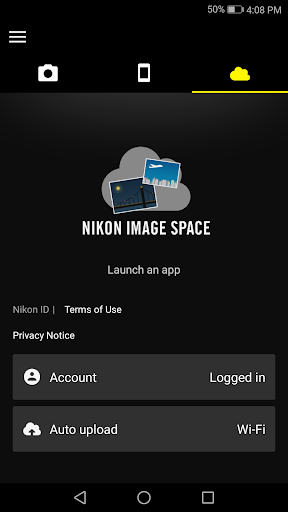
The app is most useful when you regularly want camera photos on your phone or need basic camera-to-phone coordination. Some features depend on the camera, and uploading to Nikon Imaging Cloud requires a Nikon ID. Location sharing can keep GPS running in the background and use more battery. SnapBridge earns its place through repeat tasks rather than replacing a camera’s own controls or a full photo-editing workflow.